Free at the download step
Free resume builder. No paywall.
Most builders let you do the work, then show the price at Download. NoCapCV is paid for by small ads beside the editor, so every template, every edit, and every PDF stays free. No account. No watermark. No surprise.
No sign-up. Saved in your browser. Unlimited PDFs.
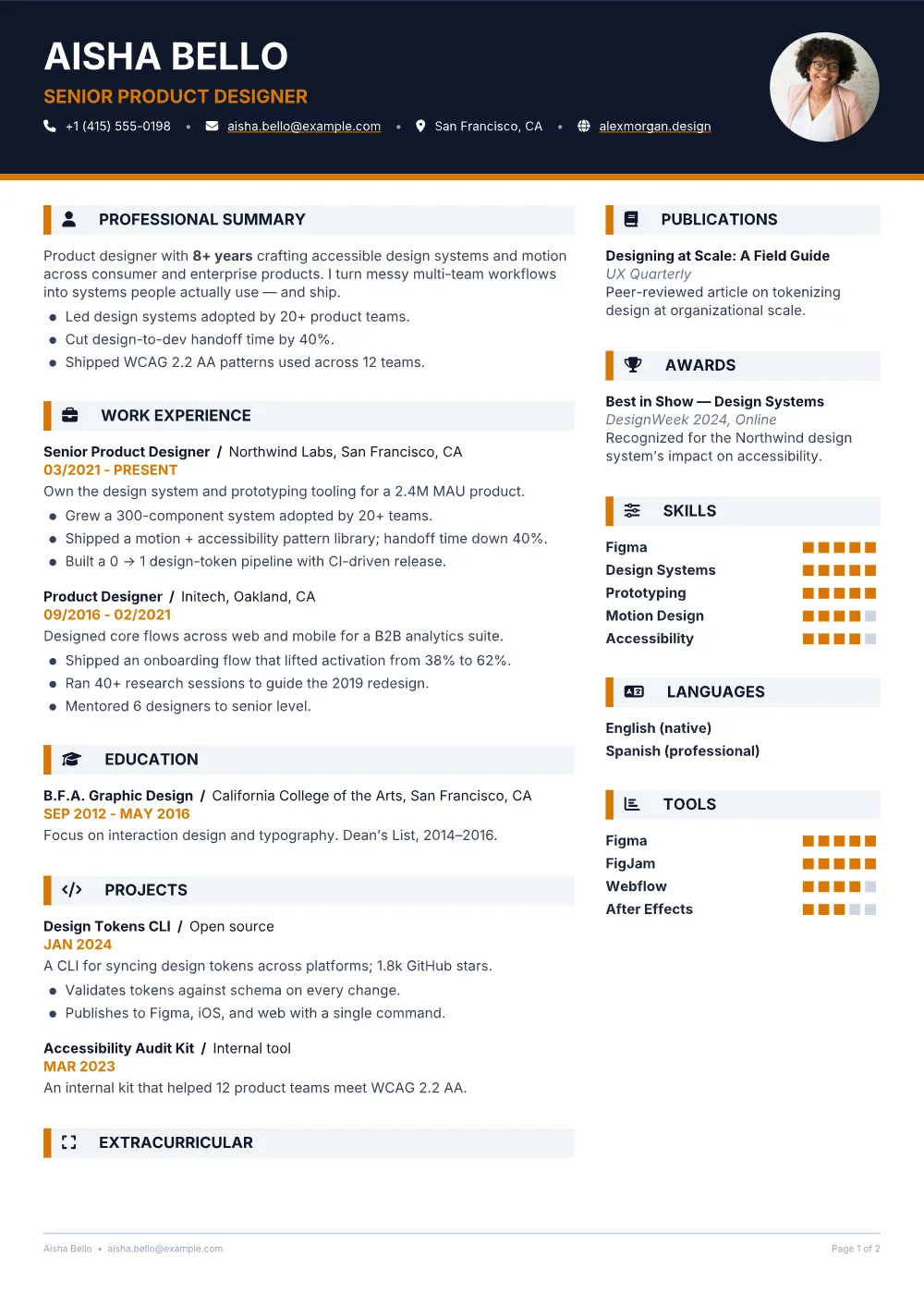
on this page
The last-step testWhat changes at Download
Where other builders ask for a card, we ask for nothing.
A resume builder is only free if it is still free when you export. Here is the difference in plain terms.
A typical paywalled builder
free until it matters
- Free while you edit
- Payment prompt at download
- Watermark on the free export
- Account required to save
- Your draft copied to their servers
- Ads that interrupt the editor
NoCapCV
free at the step that counts
- Free while you edit
- Free at download, unlimited exports
- No watermark, on any export
- No account required
- Draft saved in your browser; Drive sync is opt-in
- Ads sit beside the editor, not across it
If a builder you already like is genuinely free, use it. If it asks for a card at the last step, you know where we are. How NoCapCV is funded.
What you getNo asterisks
Everything on this list is included.
Not a free tier. Not a seven-day trial. The whole editor, every template, and every export.
Exports without a counter
Make one PDF for Monday and another for the job you actually want. There is no export limit and no quality drop on the tenth download.
No watermark, ever
The page carries your name, not ours. Export the clean PDF every time, including on the free plan.
Local by default
Drafts are saved in your browser. No sign-up, no server copy, and the editor keeps working offline.
Drive sync when you want it
Turn it on and your resumes land in a NoCapCVResumes folder in your own Google Drive. Off until you ask.
19 templates, all editable
Change accent colour, typeface, size, spacing, margins and section order. The words stay exactly where you put them.
Exports you can reopen
Pick a compact PDF, or a PDF with embedded metadata you can import and keep editing — photos and formatting included.
Templates19 starting points
Start from a template. Or don’t.
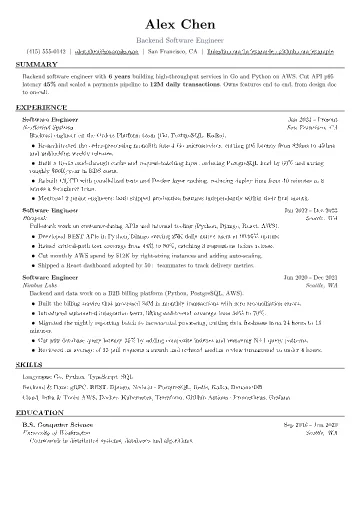
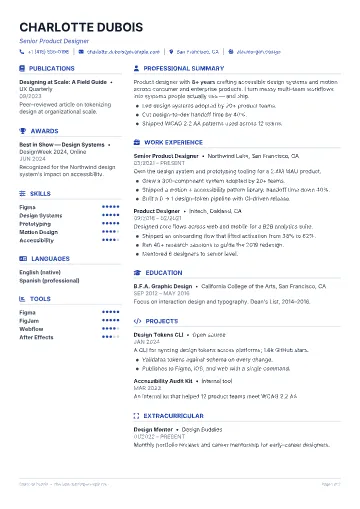
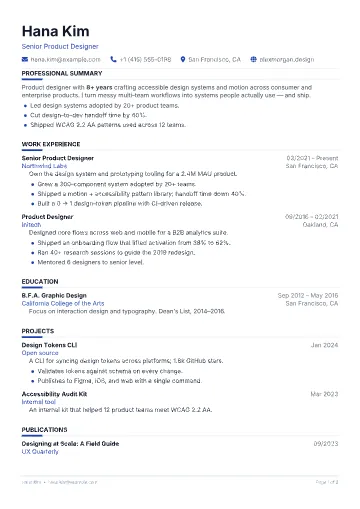
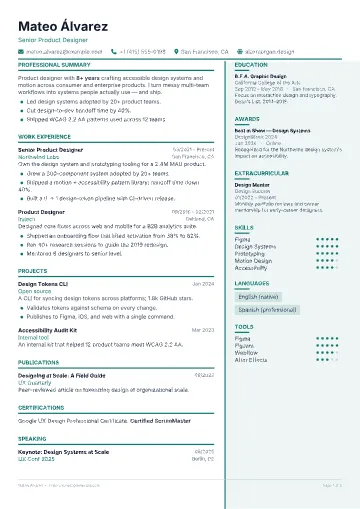
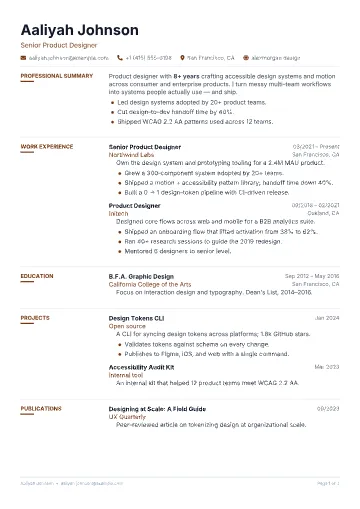
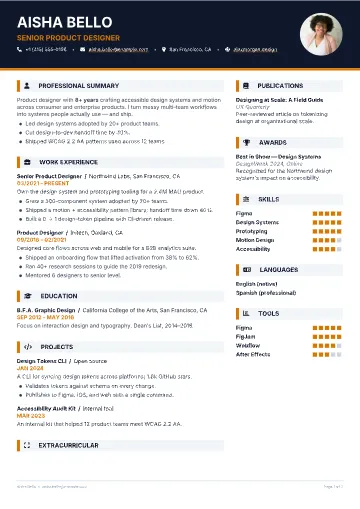
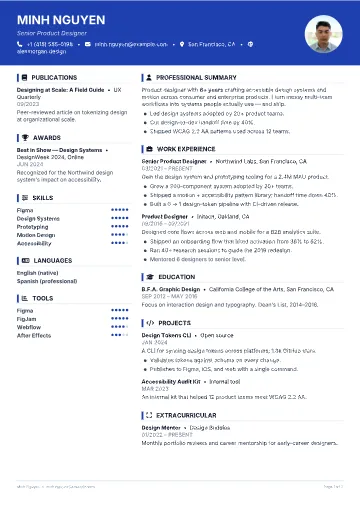
Every layout is free and fully editable. These previews are actual exports, not mockups.
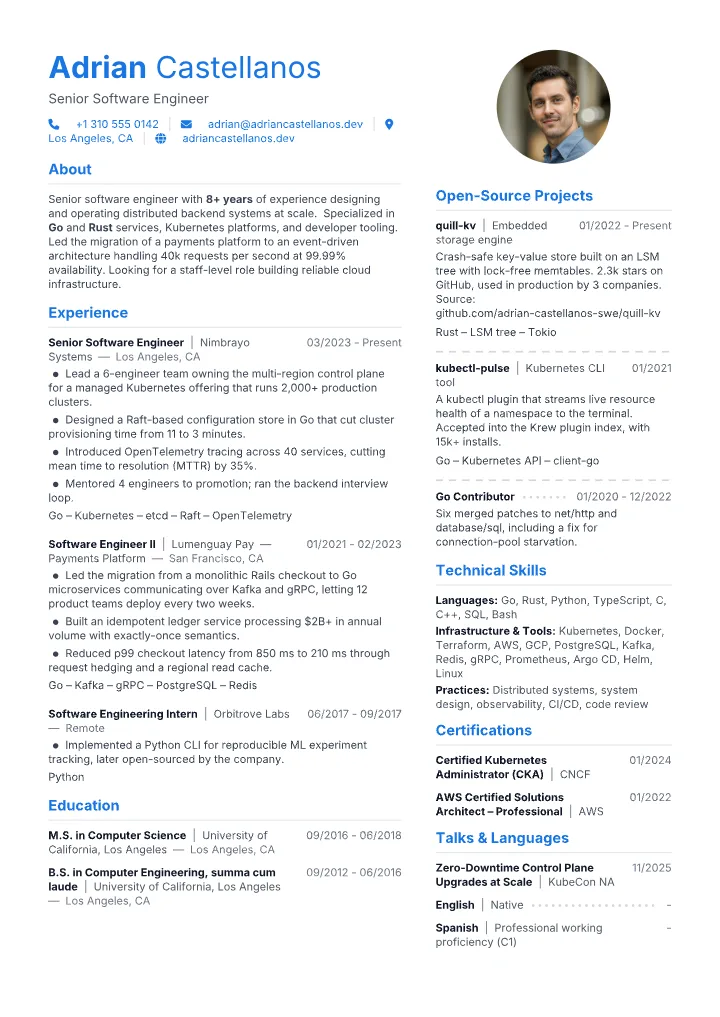
CustomizationNot just a colour picker
One resume. A whole drawer of settings.
A template is a starting point, not a cage. Add a photo to any layout, switch it from one column to two, give a section the full width, and put the rest in a sidebar. The words stay; the document changes around them.
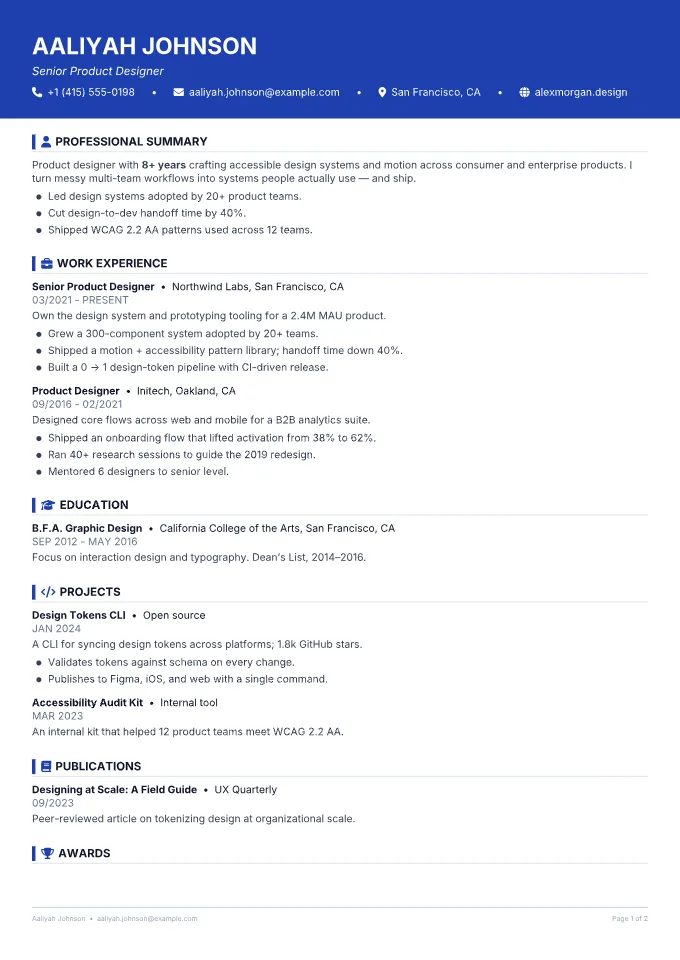
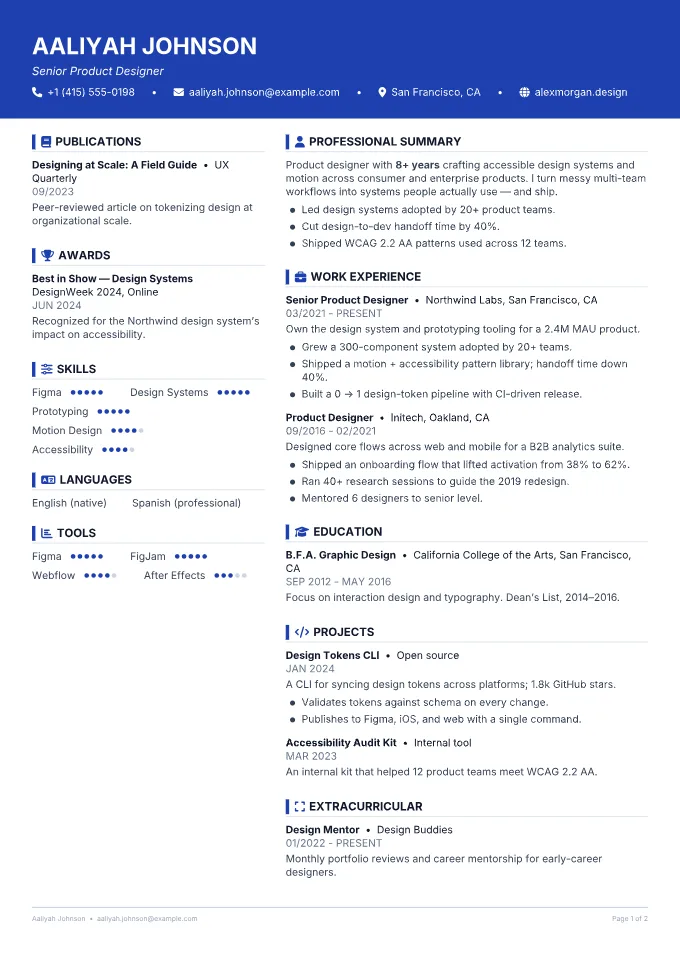
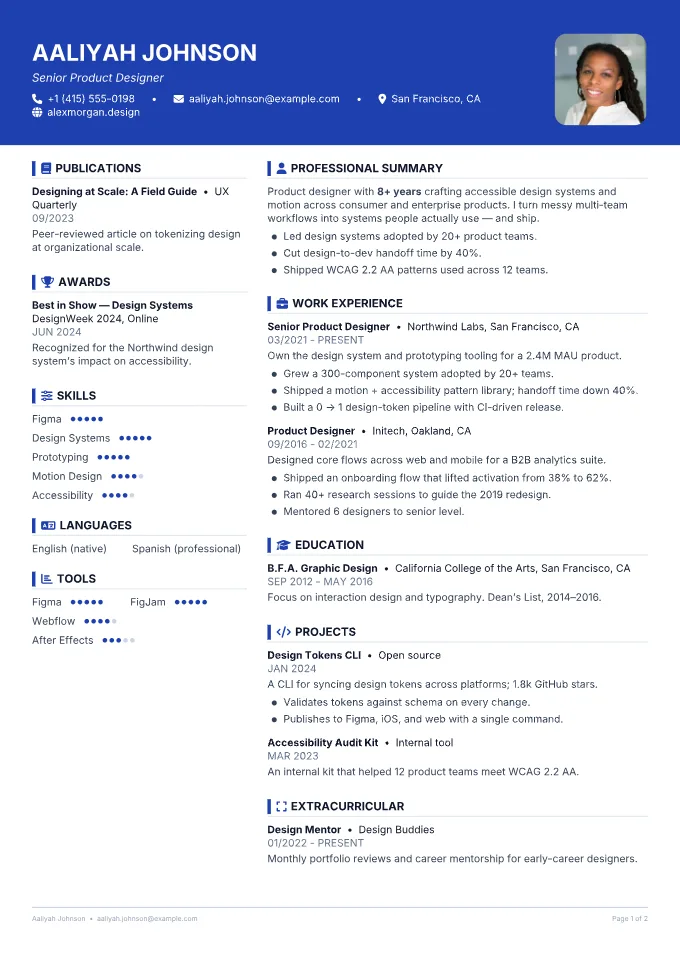
Same words, same person, three real exports. Not mockups.
Layout & structure
Any template can run as one column or two. Sections can sit full width, left or right.
- One column / two columns
- Full, left or right for every section
- Column split 25–75%
- A4 or Letter
- L/R and T/B margins, section spacing, header gap
Photo
Add a photo to any layout, then decide how it sits on the page.
- Show or hide the photo
- Shape: default, circle, rounded, square
- Frame: none, ring or accent
- Size 60–150%
Type
More than a font dropdown: a separate name face and per-element sizing.
- 10 font families
- Separate name font
- Base size 10–20px
- Size offsets for name, headings, entries
- 5 line-height presets
Colour
Three colours and a colour area, not one accent swatch.
- Accent, body text and background
- Area: none, full page, header or border
- Accent targets: name, title, headings, icons, bullets, dates, subtitles, locations
Headings & entries
Control the shape of the document, not just its surface.
- Heading case: default, uppercase, capitalize
- Heading icons: none, outline, filled
- Bullets: dots, bars, bubbles
- Entry structure: full width or columns
- Date & location: left, right, split
- Subtitle: same line or below
Header, links, footer
The details that make a template feel like yours.
- Header alignment: left or center
- Contact details: icon, bullet, pipe or bar
- Icon frames: circle, rounded or square; filled or outline
- Links: accent, blue or text; underline on or off
- Footer: name, email, page numbers
19 templates. Every control is available on every resume.
FAQThe obvious questions
Frequently asked, plainly answered.
Yes. Every export is free and unlimited — no watermark, no trial period, and no paywalled download button at the last step.
There isn’t one. NoCapCV is funded by non-intrusive ads beside the editor. No feature is hidden behind an ad or a paywall. Read more about how it is funded.
No. Build and export without an account. Your work is saved locally in your browser; signing in is only needed for optional Google Drive sync.
When you turn on sync, your resumes are saved into a NoCapCVResumes folder inside your own Google Drive. Nothing is stored on our servers — you own and control the files.
Yes — and you choose how to export. Pick the compact Standard PDF, or the PDF with Metadata, which embeds your resume data so you can import it back and keep editing, photos and formatting included.
Write it once. Send it everywhere.
Start from a blank page or one of 19 templates. Export as many versions as the search requires. Nothing asks for a card on the way out.